
Digital seating chart
Wedding Seating Chart QR Code
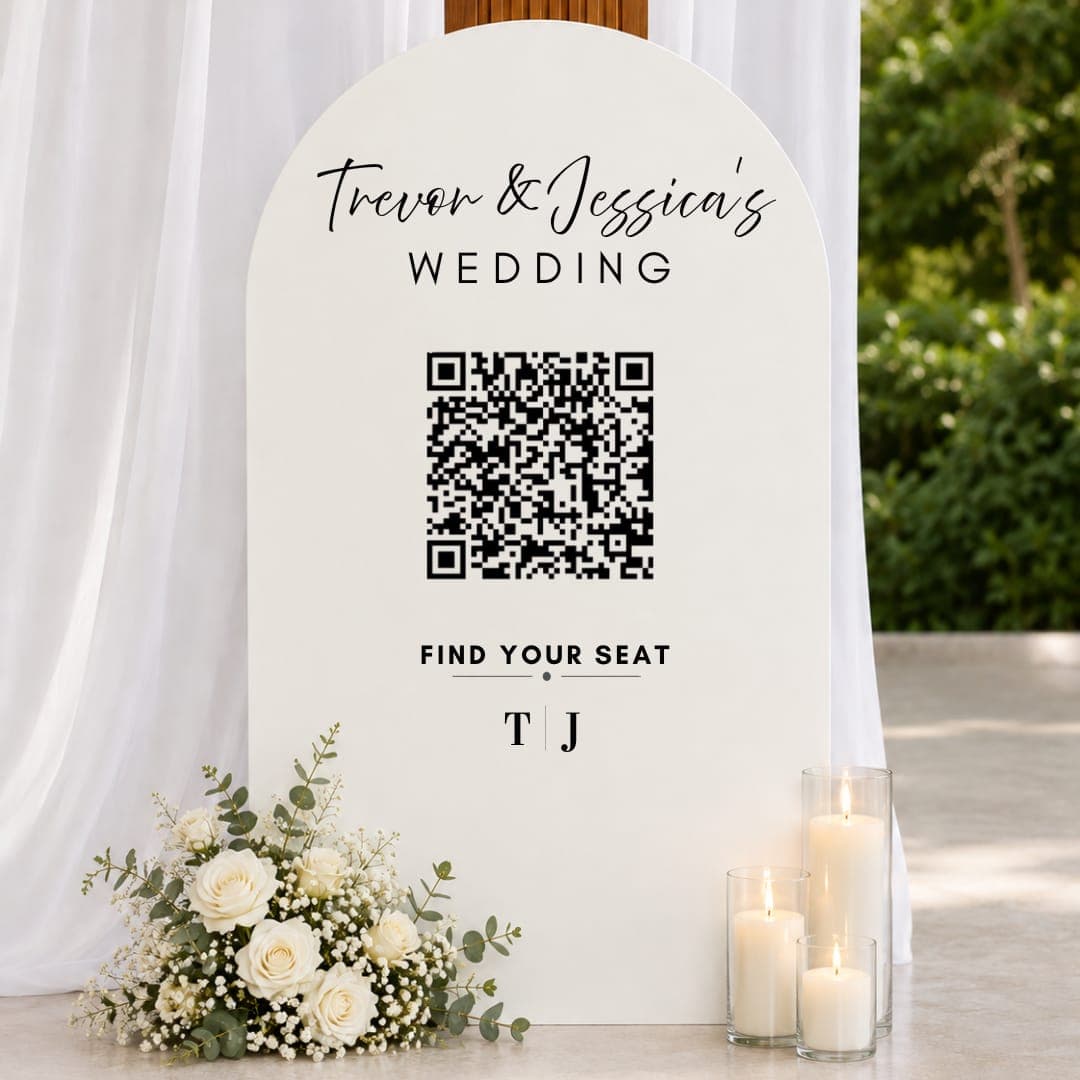
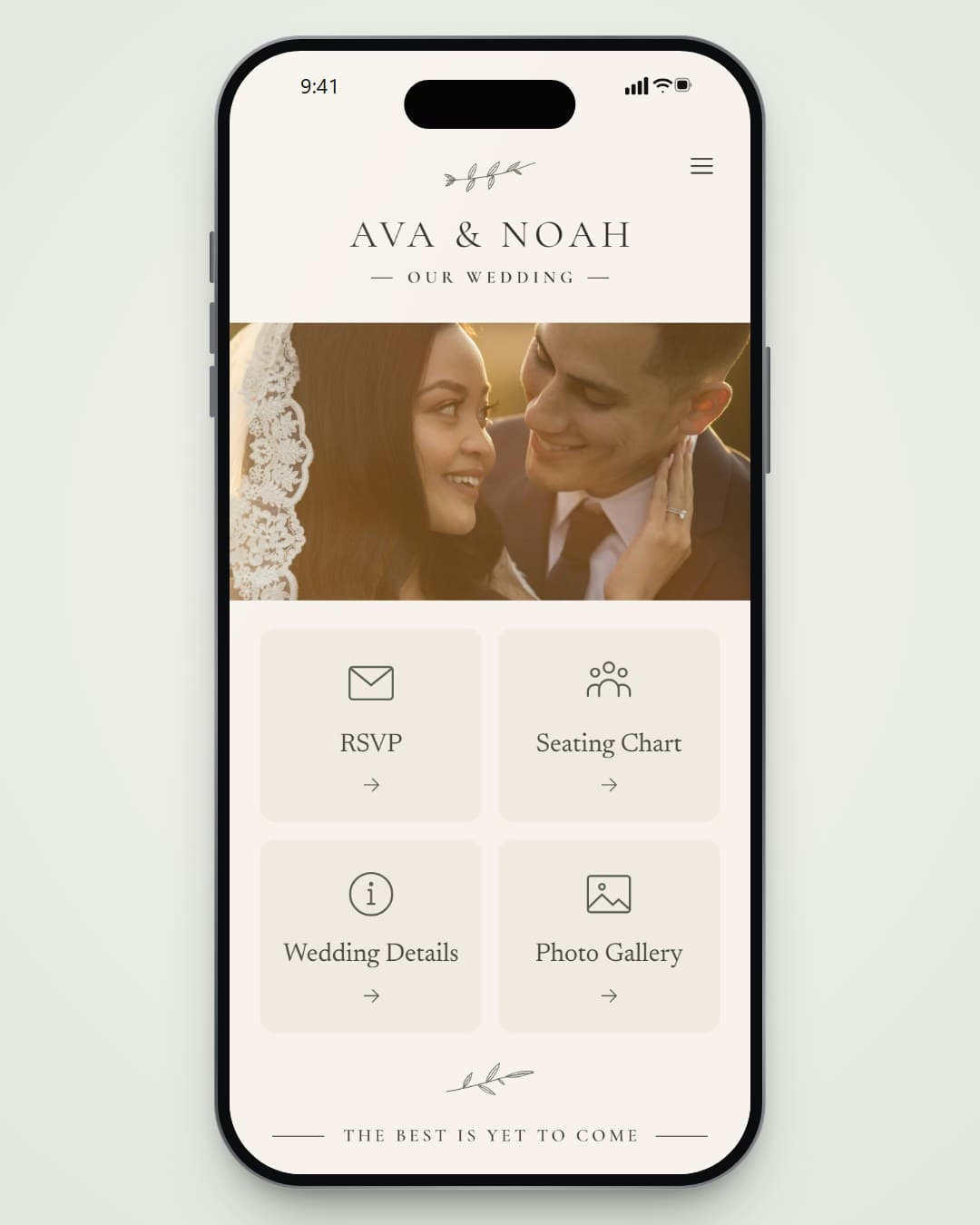
One QR code at the entrance. Guests scan it, type their name and see their table number and who they’re sitting with, so nobody crowds around a board.
How it works
Three Simple Steps
01
Build Your Table Plan
Add tables and seats in your dashboard, or import your guest list from a spreadsheet.
02
Print the Code
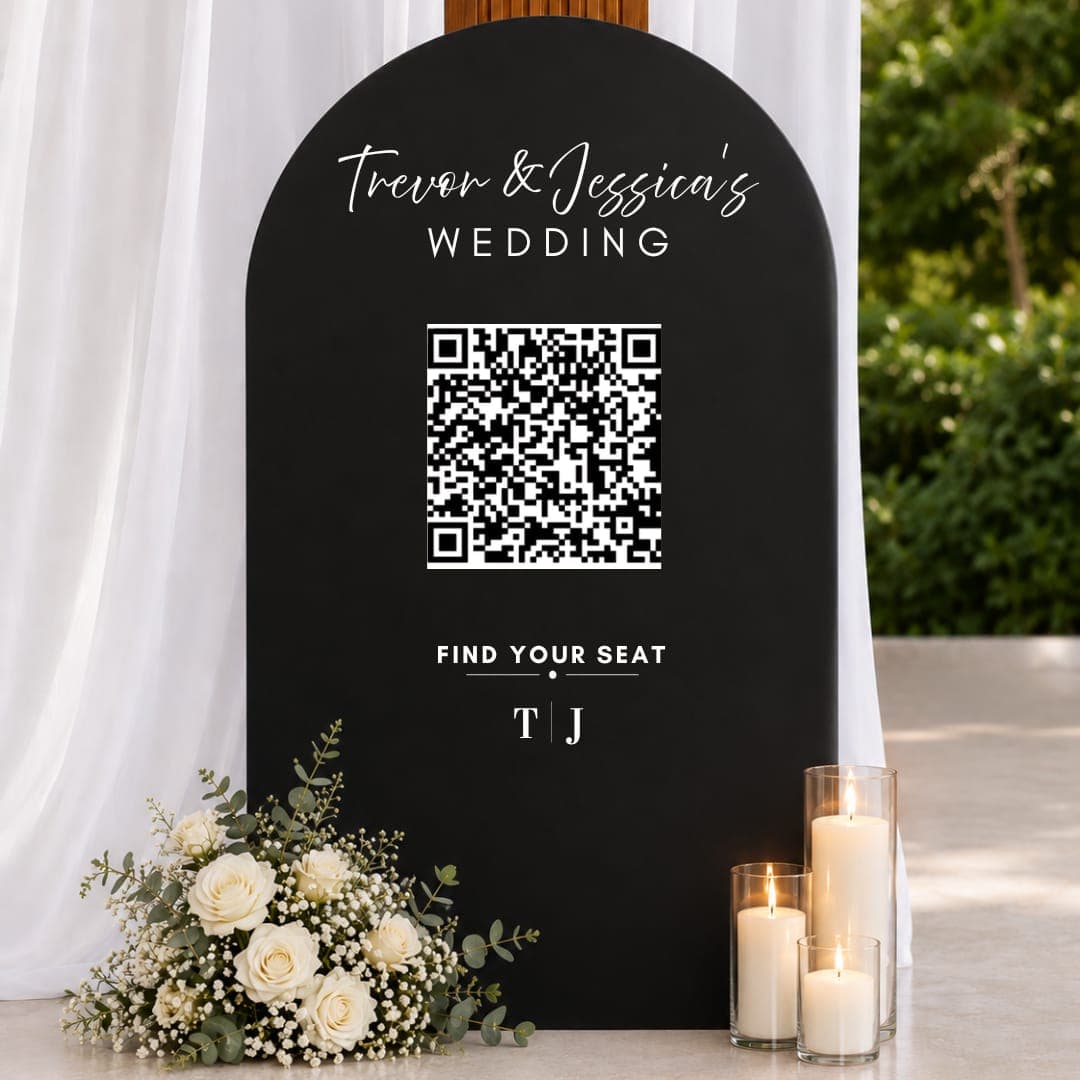
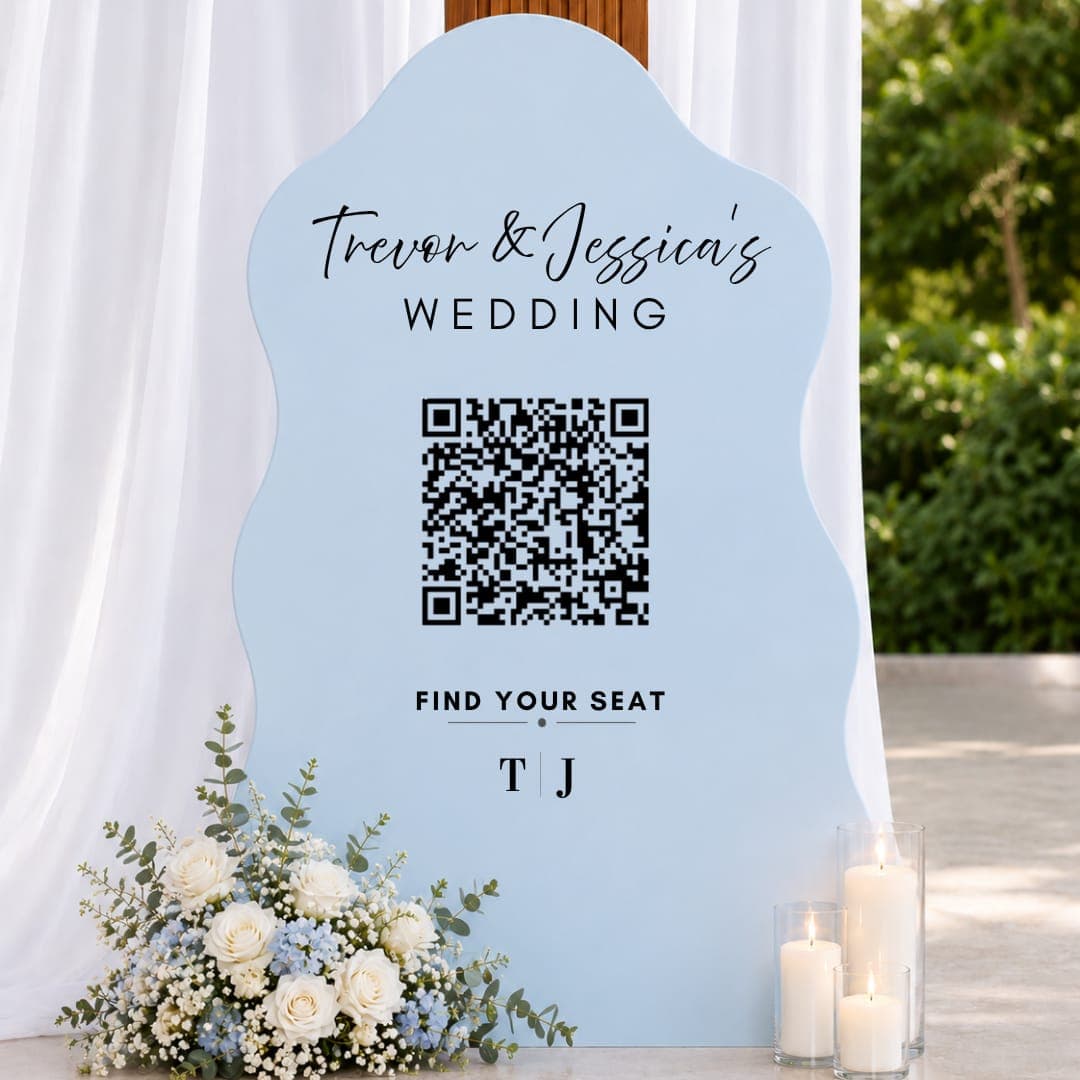
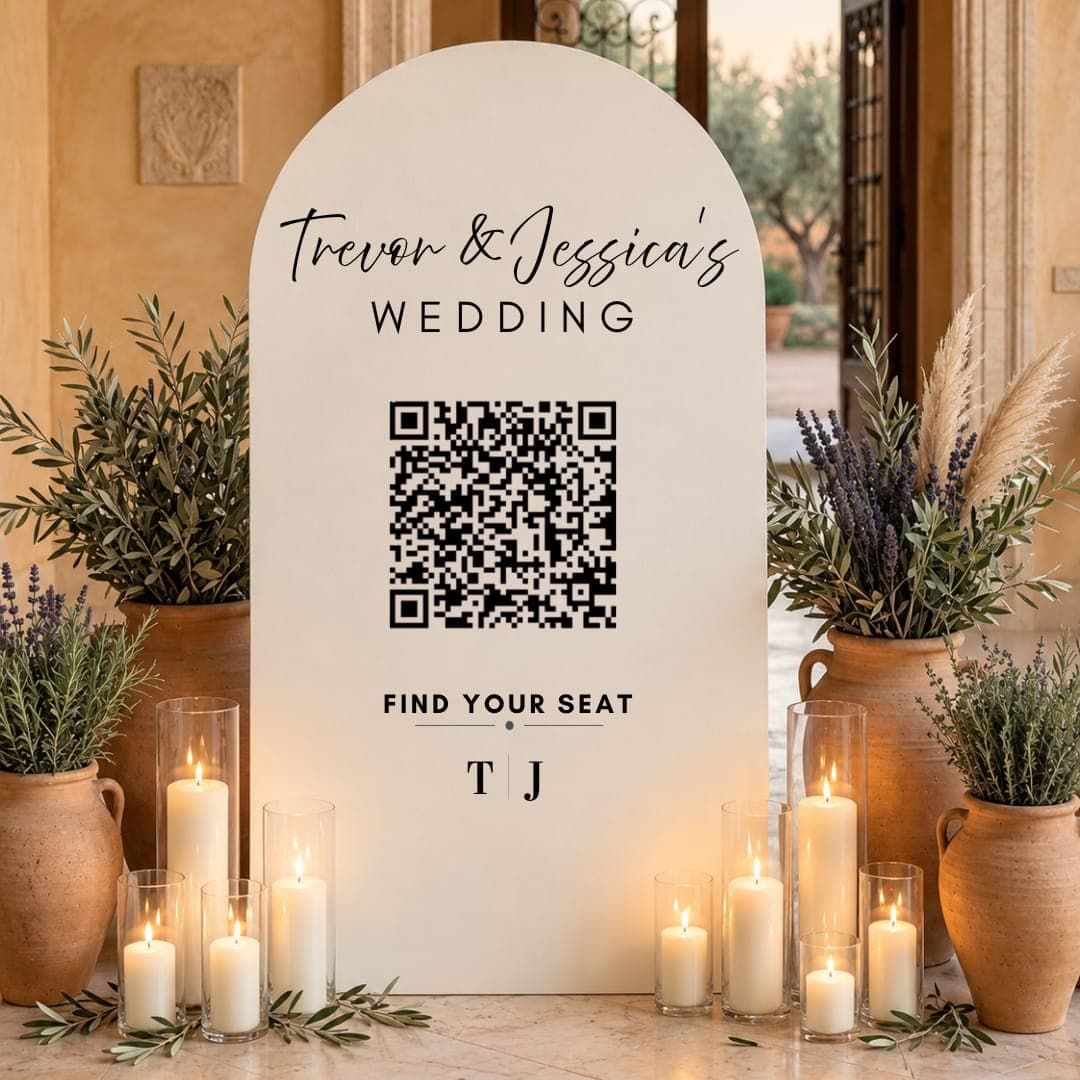
Download the QR code for your own sign, or add a printed QR stand that matches your styling.
03
Guests Scan
They type their name and see their table straight away. Change the plan right up to the day.
What you get
Everything Included
- Search that forgives typos and finds first or last names
- Shows each guest’s table mates
- Seat limits per table, so no table is overfilled
- Change seats any time; the code never changes
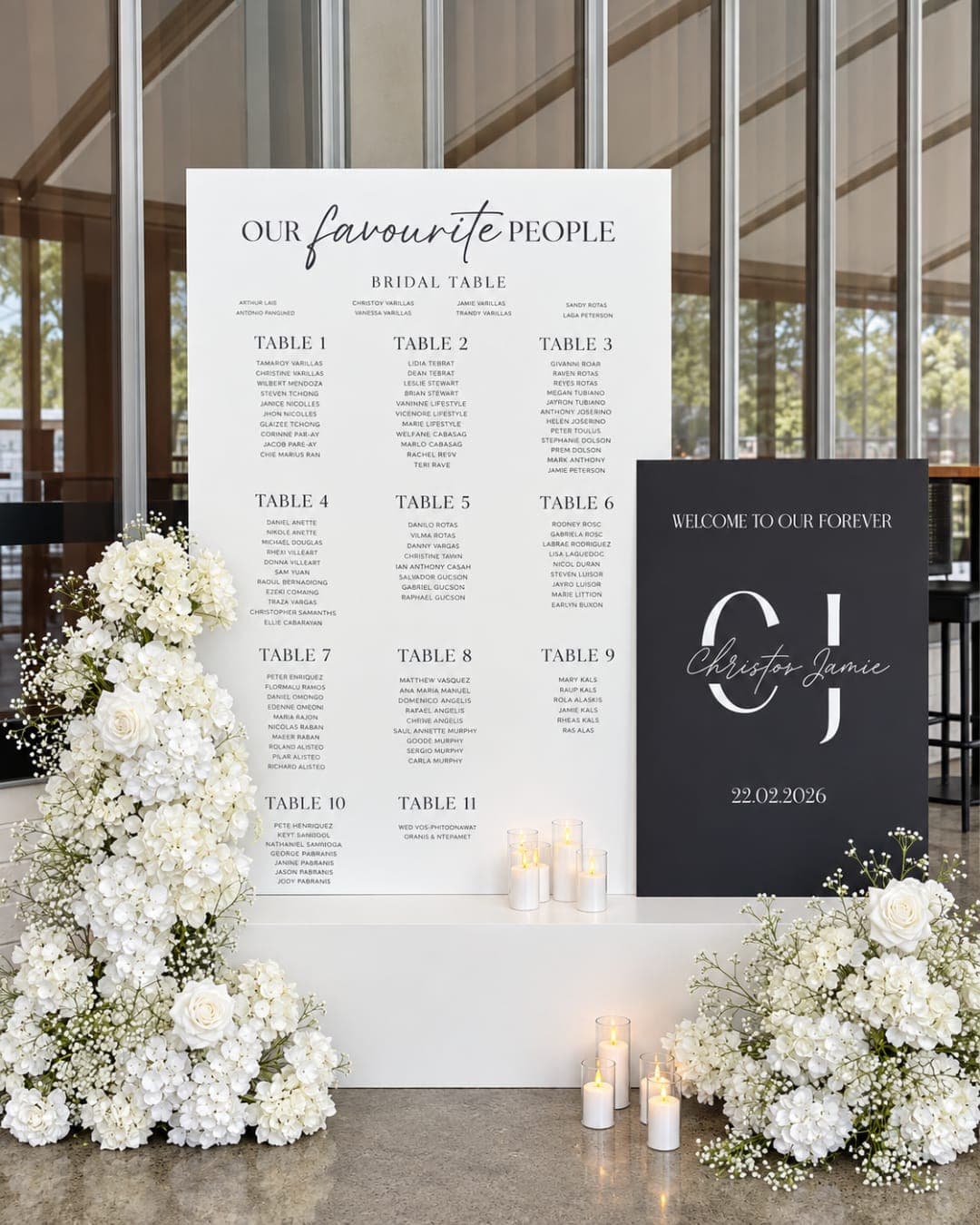
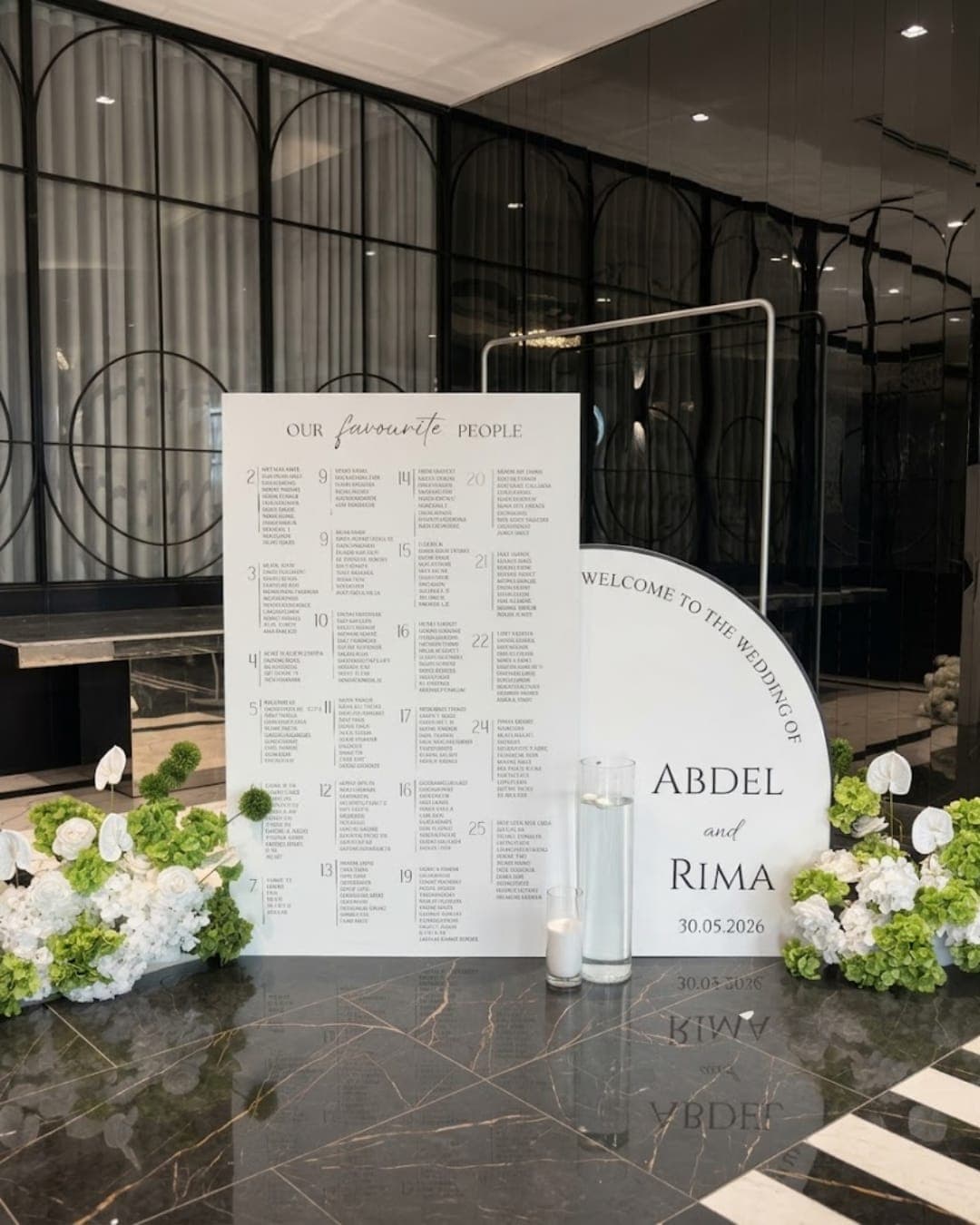
- Matching printed seating charts and welcome signs
Shop
Pick What You Need
Questions
Good to Know
What if the venue’s wifi is poor?
The page is small and loads quickly on mobile data. We also recommend a printed chart or sign alongside it for older guests.
Can I change the seating after printing the QR code?
Yes. The code always opens your live plan, so changes show straight away.