
Wedding Photo Sharing for Guests
Every guest takes photos. Collect them all in one live album: guests upload from their phones with no app, and nothing appears until it has been checked.

Three Simple Steps
Share the Code
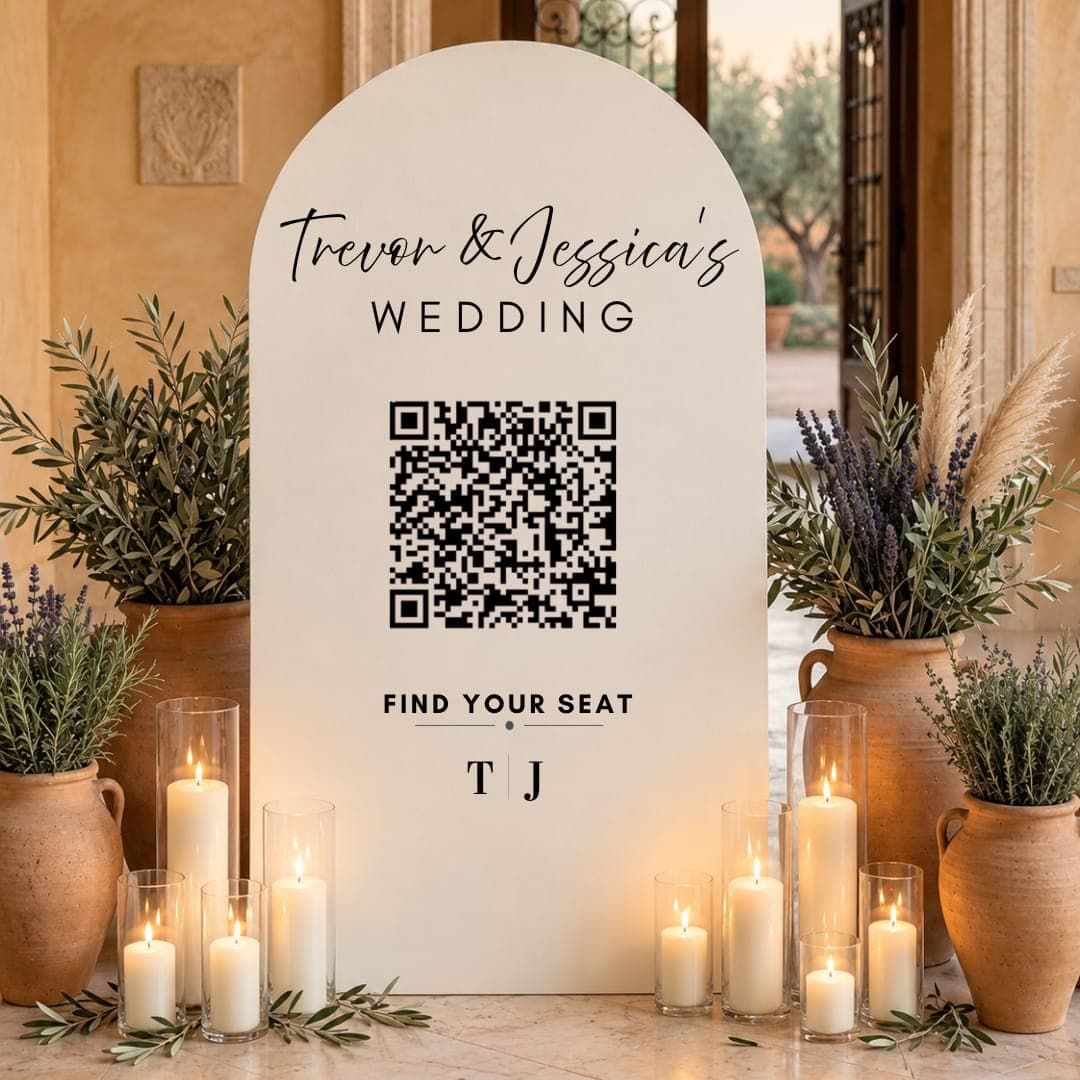
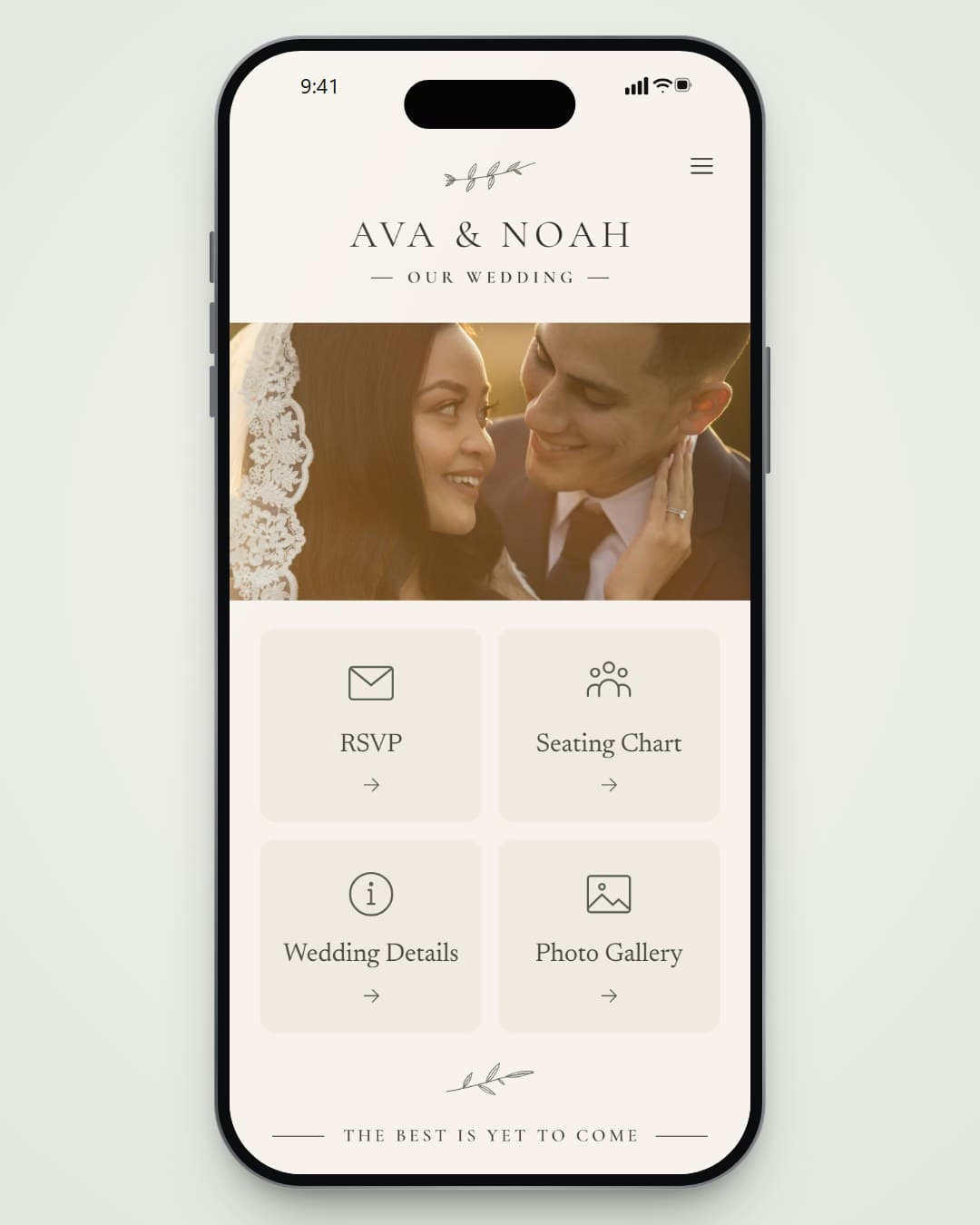
Put the photo wall QR code on your tables, or include it on your wedding page.
Guests Upload
They add their name and choose photos from their camera roll. Photos are resized so uploads are quick on venue wifi.
Relive the Day
Everyone sees the shared album. You can remove any photo from your dashboard.
Everything Included
- No app or account for guests
- Nothing appears until it has been checked; anything doubtful waits for your review
- Every photo shows who shared it
- Remove any photo from your dashboard
- Download every photo in one zip file
- Part of your Wedding Suite page, with your design
Pick What You Need
Good to Know
Is the album private?
It’s on your wedding page, so anyone with the link can see it. Add a password to your page to keep it to your guests.
What happens to inappropriate photos?
Each upload is checked before it’s shown. Anything unsafe or borderline is held back for you to approve or remove.
How long are the photos kept?
Until 90 days after the wedding. We email you a link to download them all as one zip file, remind you before they’re deleted, and you can keep them online longer with Keep It Online.