
Online Wedding RSVP
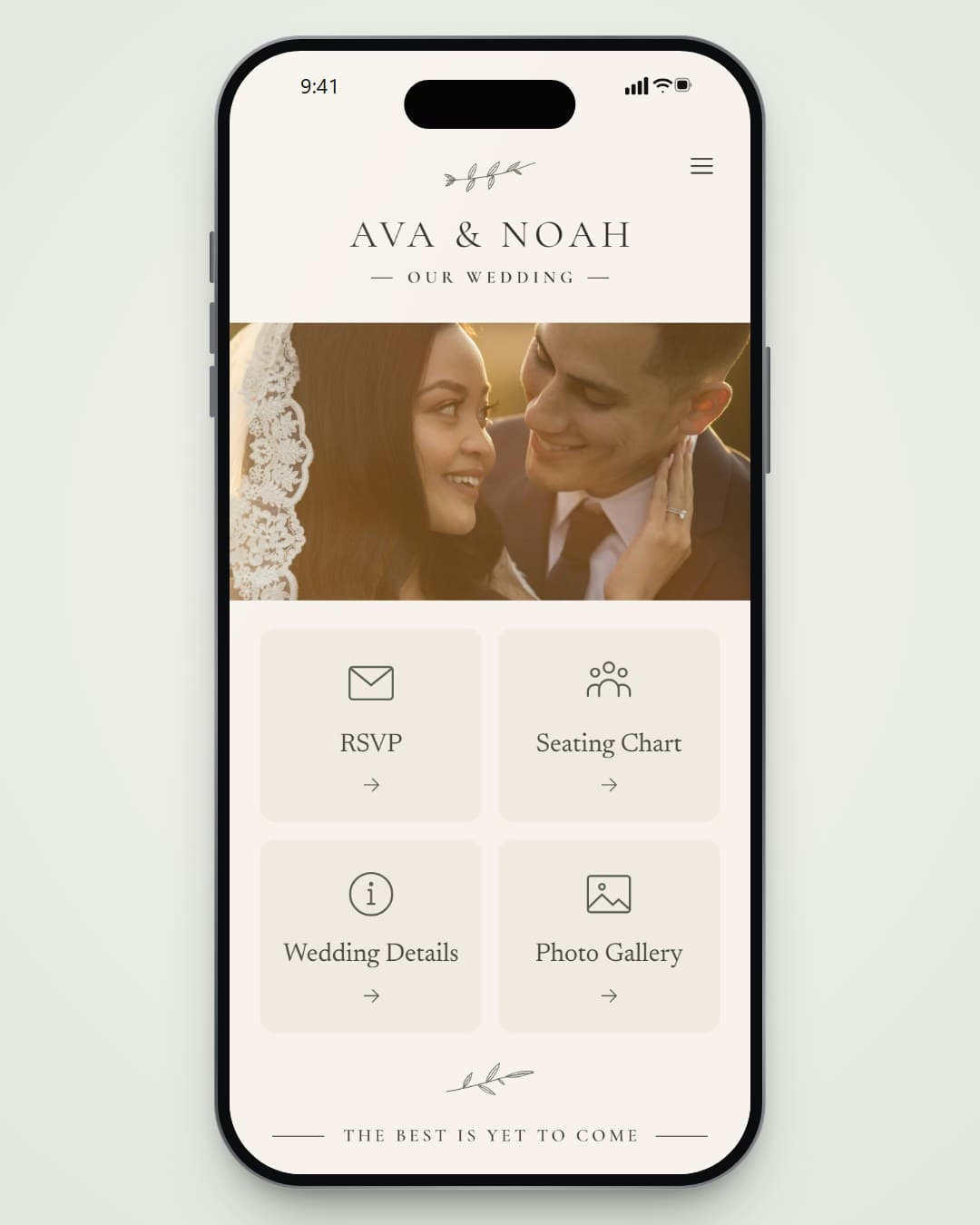
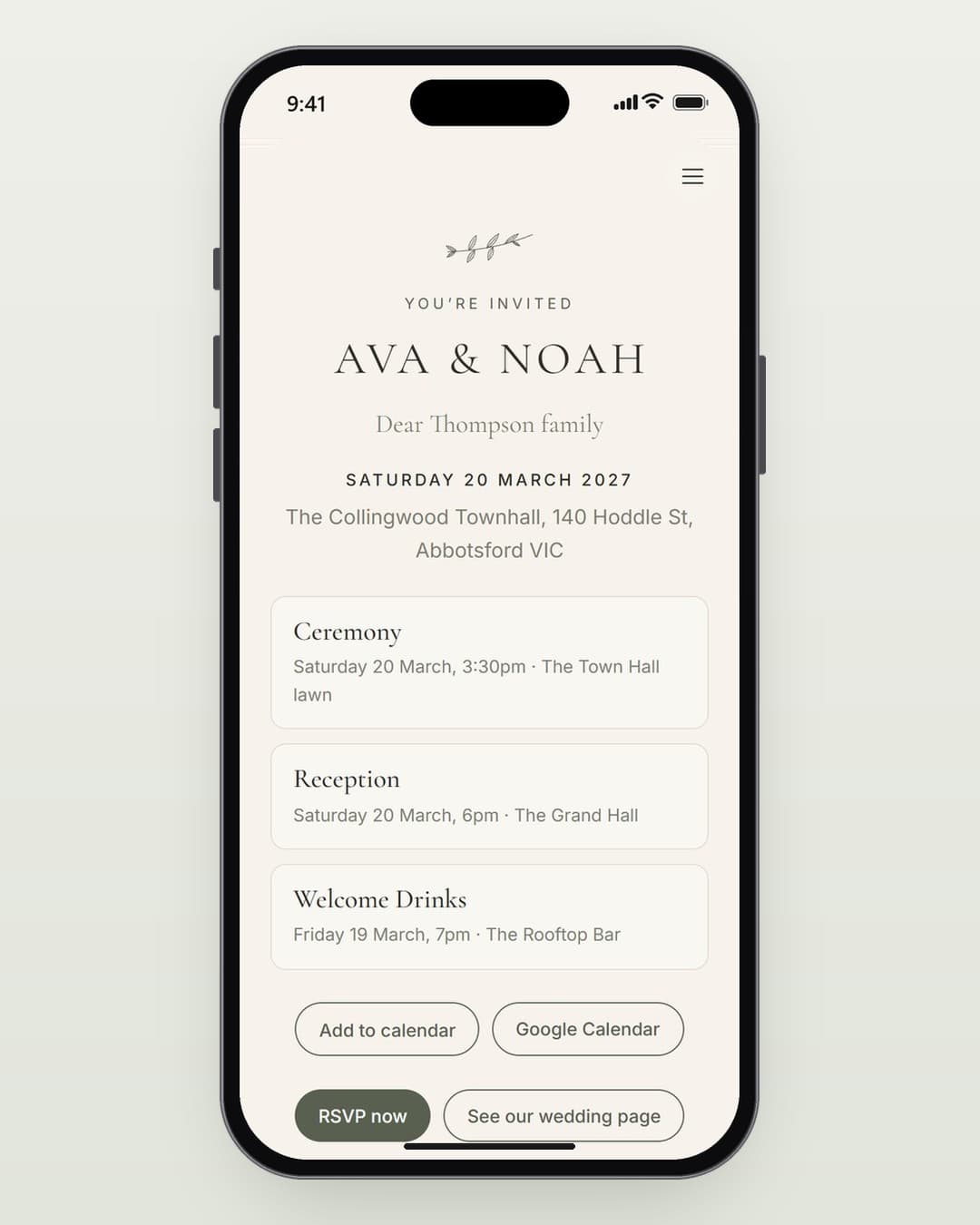
Guests find their invitation by name and reply for their whole household on any phone. Meal choices, dietary needs and which events they’ll join land in your dashboard the moment they press save.
Three Simple Steps
Share One Link
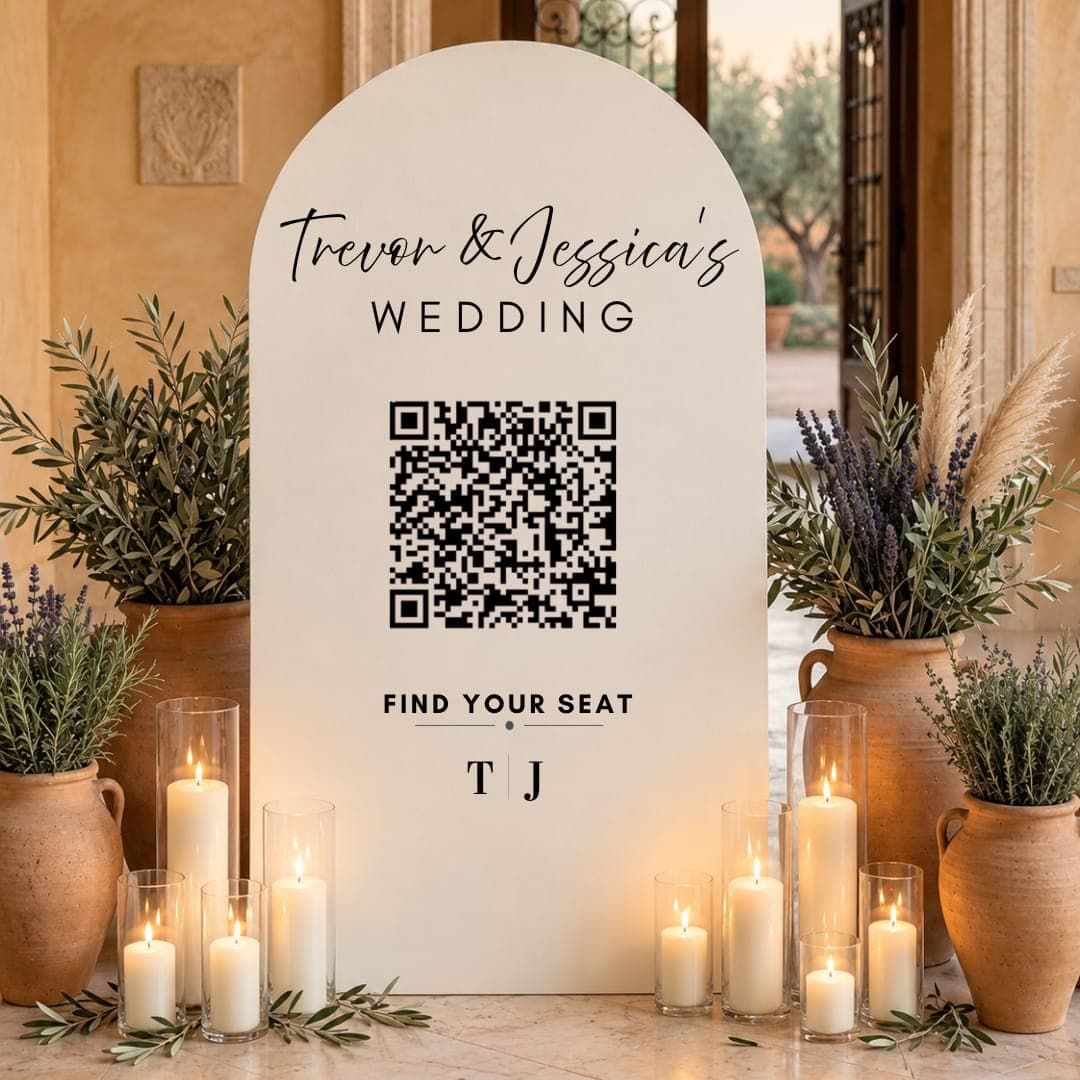
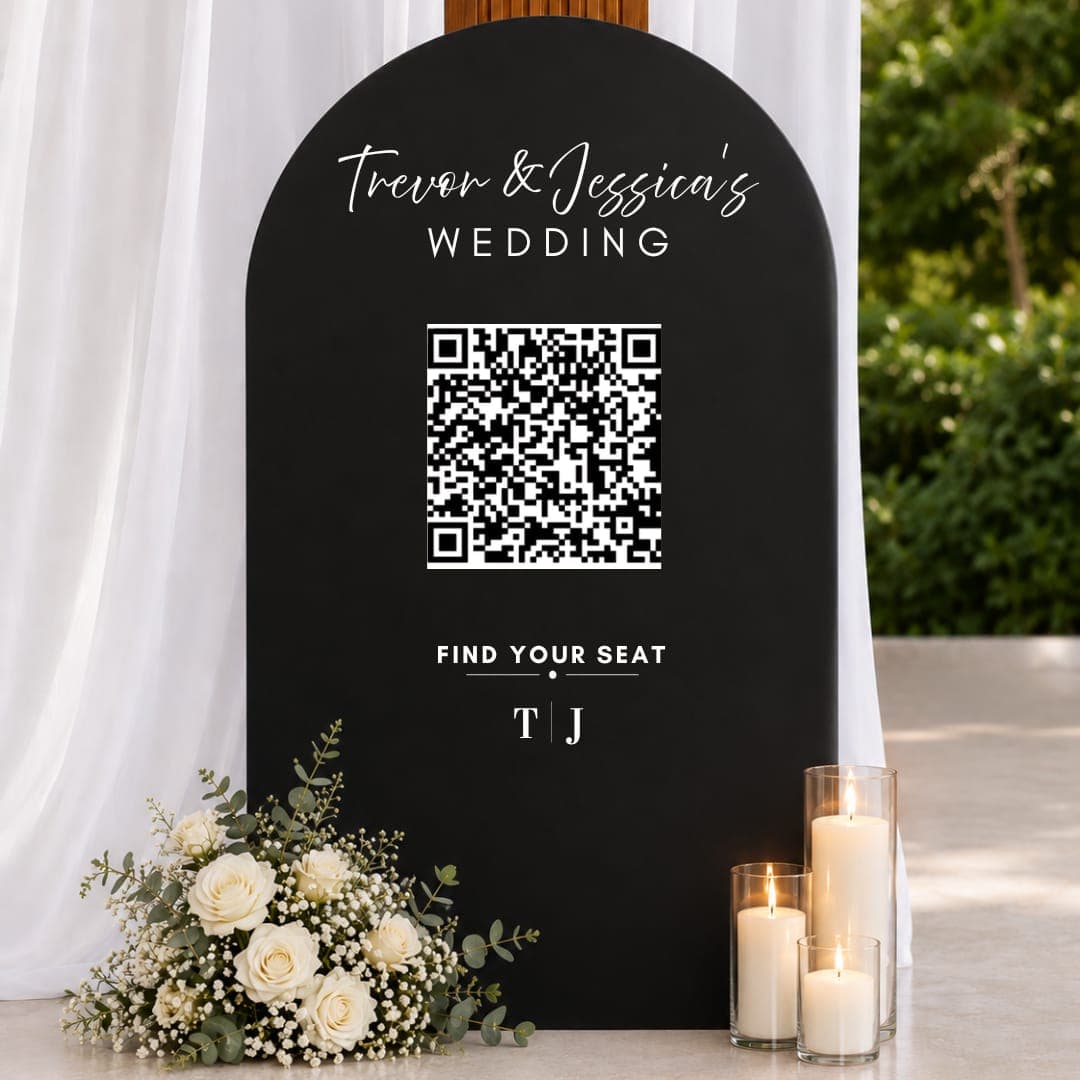
Put the link or QR code on your invitations, or send each household a personal invitation link.
Guests Reply
They type their name, confirm their party and answer for each person. No app, no account.
You See It Live
Attending, declined and still to reply, with meal tallies and dietary needs. Download it any time.
Everything Included
- Replies for the whole household, person by person
- Meal choices for each course you set
- Dietary needs, song requests and accommodation questions
- Invite-only events, such as welcome drinks, shown only to those invited
- RSVP reminders by email, or by text with the SMS add-on
- Guests can change their reply from the same phone
Pick What You Need

Good to Know
Do guests need to download anything?
No. The RSVP opens in any phone or computer browser from your link or QR code.
What if a guest can’t find their name?
The search forgives typos and finds first or last names. If they’re still stuck, they can check with you, and you can add them in your dashboard in seconds.
Can I record RSVPs that come in by phone?
Yes. Mark anyone as attending or not in your dashboard, one guest or a whole household at a time.